Contents
What is Codex, in short?
Codex is a coding agent by OpenAI: give it a task in plain language, and it reads your project files, writes code and runs commands, then shows you the changes to approve. It runs in the Codex app on macOS and Windows, the command line, editor extensions like VS Code, and the web.
What does Codex require before your project reaches people?
Codex writes code on your machine — that's halfway there. To turn the project into a site or app your customers use, you need to handle yourself:
The shortcut: same result on Fanann
On Fanann you don't install anything or manage a server. Write your idea in Arabic, the agent builds and tests, then you publish in one click — hosting, security and database included:
- Mobile-responsive Arabic storefront
- Product page with sizes and colors
- mada, Apple Pay and Tabby payments
- Database and orders dashboard
- In-region hosting with SSL
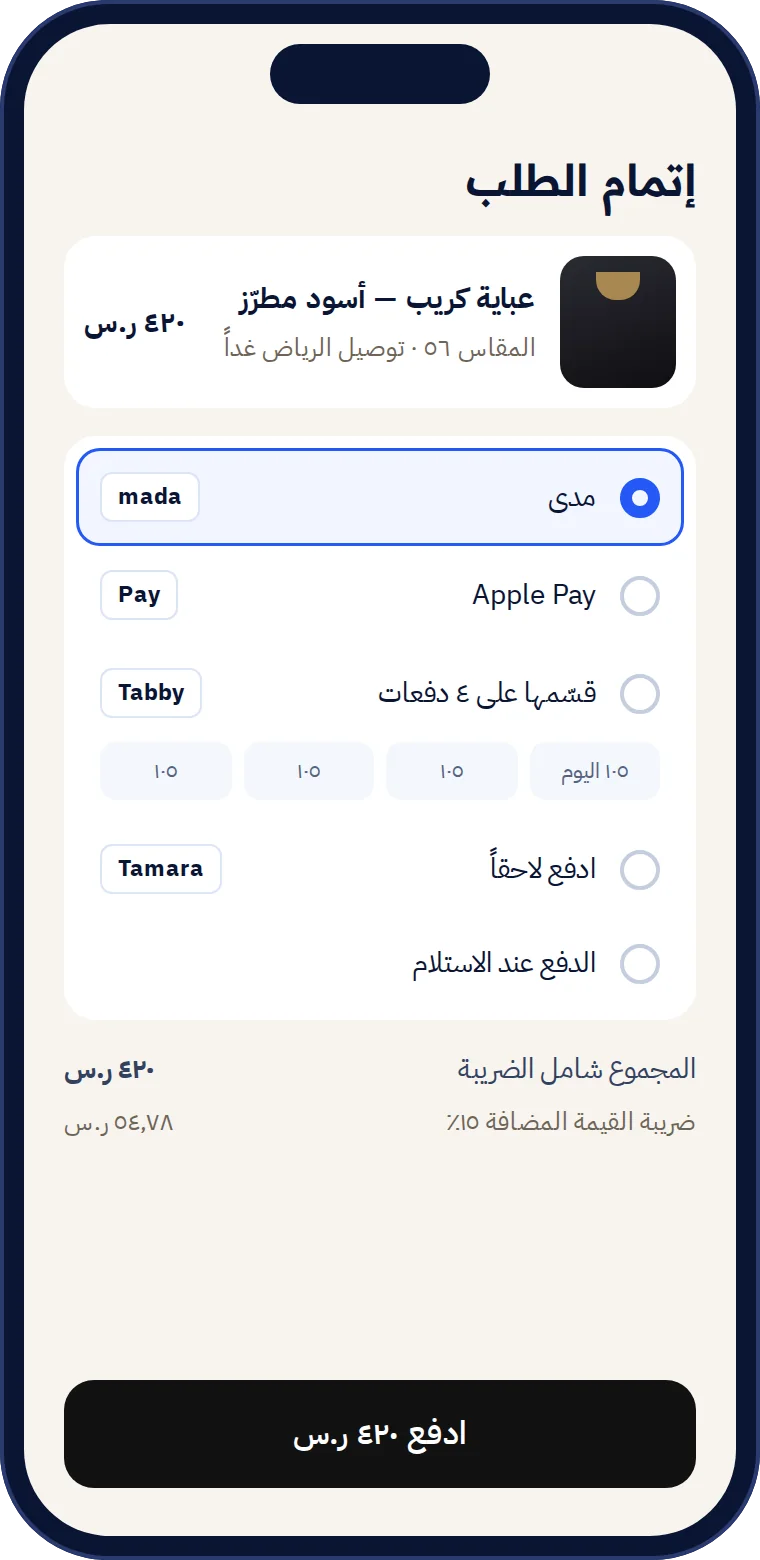
- 1Describe your ideaIn Arabic or your dialect, typed or spoken — no requirements doc.
- 2Review the plan and refine via chatThe agent lays out pages and features, and you see a live preview of every change.
- 3Publish on your domainOne click: in-region hosting, SSL, database and backups.
Codex or Fanann? Quick comparison
- You want a live app for customers, fast
- You don't want to manage servers or security
- You need Arabic, mada and in-region hosting
- You're a developer on a large existing repo
- You have hosting and an ops team ready
- You want an agent inside your own environment and tools
A developer who loves Codex? Use both
No need to choose. Write code with Codex, connect the repo to Fanann — and every push deploys automatically with hosting and security.
If you try Codex: quick install
Then open your project folder, type codex, and choose “Sign in with ChatGPT”. Plans that include Codex change, so check OpenAI's official page.
Codex is a trademark of OpenAI; Fanann is not affiliated. Information current as of September 2026; see the official docs at developers.openai.com/codex.