You can make a game without coding in three ways: a visual tool built on drag-and-drop rules, a block-based tool made for children, or an AI game maker where you describe the game in words and play it in your browser minutes later. The tool matters less than starting very small: one hero, one goal, one danger, and a level that plays in two minutes. Then test it with friends, tune how it feels, and share it as a link.
- how to make a game without coding
- how do I make my own game
- best game maker for beginners no coding
- can I make a game with AI
- how to make a simple game and share it
- easiest way to make a video game
Can I really make a game without coding?
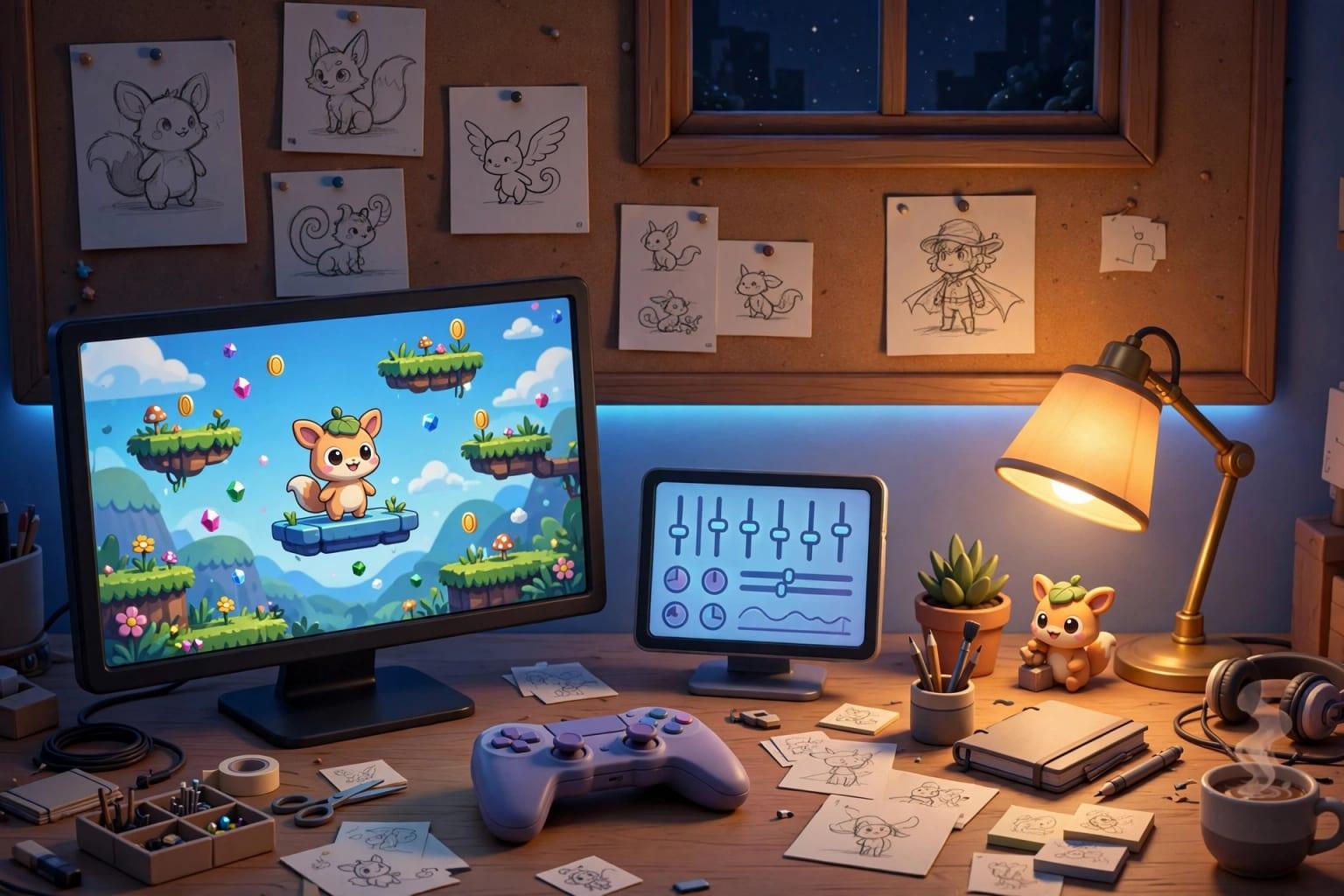
Yes. Making a game without coding is now within reach of anyone with a browser and a clear idea. Games did not become easy; the technical part (writing code, setting up a project, running it on a phone) can now be handled by a visual tool or an AI. What stays with you is the part that makes the difference: what the player does, and why they want another go.
 Illustration
To be straight from the start: no code does not mean no effort. You will decide how high the jump goes and how fast the enemy moves, play your own game dozens of times, and find that what sounded fun is not always fun. That is the real work of a game maker.
- What you need
- A recent browser and an idea you can write in two sentences
- What you do not need
- A programming language, a powerful PC or drawing skills
- A realistic first game
- One to three levels, two minutes of play
- Where it is played
- In the browser, on phones and computers, from a link
What are the ways to make a game, and how long does each take?
There are four real routes, and the right one depends on your goal: learn the craft as a profession, or finish a game this week?
| Route | Examples | What you learn first | When you play a first version | Best for |
|---|---|---|---|---|
| A game engine with code | Unity, Godot, Unreal | The editor and a language such as C# or GDScript | Usually after weeks of learning | A career, or a large game |
| A visual tool with rules and events | Construct, GDevelop, GameMaker | If-this-then-that logic | After a few days | Hobbyists who enjoy fine control |
| Educational blocks | Scratch | Snapping blocks together | In the same lesson | Children and schools |
| Describing it to an AI | AI game makers such as Fanann | Saying clearly what you want | After a few minutes | Beginners, teachers, marketers, quick prototypes |
Those timings are rough, but the pattern holds: the deeper the control, the longer you wait before you play anything. For detail, see game engines, no-code tools or AI.
Pick the one that sounds like you to see the advice.
Learn an engine such as Godot or Unity properly, but prototype your idea by describing it first, before you invest months in it.
Describe it: write two sentences, play, adjust, publish a link.
Scratch is excellent for teaching programming thinking. For a learning game ready for class, start from a quiz template and edit the questions.
A small game that opens from a link with no install. Aim for thirty enjoyable seconds, not many levels.
What should my first game be?
Games go unfinished because of big ideas, not hard tools. A beginner does not complete an open world with a shop, a story and twenty weapons. A hero who jumps over three things and reaches a flag gets finished in a day, and teaches you what you need for the second game.
Make the smallest game you are slightly embarrassed by, then finish it.
30 simple game ideas lists them by genre, each with a description you can paste.
What makes a simple game fun?
Three things, in this order.
- 1The core loop
The action the player repeats every few seconds: see a danger, act, get a reward. In a runner: obstacle, jump, coin, faster obstacle. If the game loop is dull after twenty seconds, ten levels will not fix it.
- 2Feel
How the game answers your hands: is the jump snappy or floaty? Does the hero stop at once or slide? These are small numbers (jump strength, gravity, speed) found by playing, not guessing. More in why your game feels wrong.
- 3Levels
A good level teaches, then tests, then surprises: the obstacle appears somewhere safe, then somewhere risky, then mixed with something familiar. Build levels only after the loop and the feel are good.
How do I make the game in minutes by describing it?
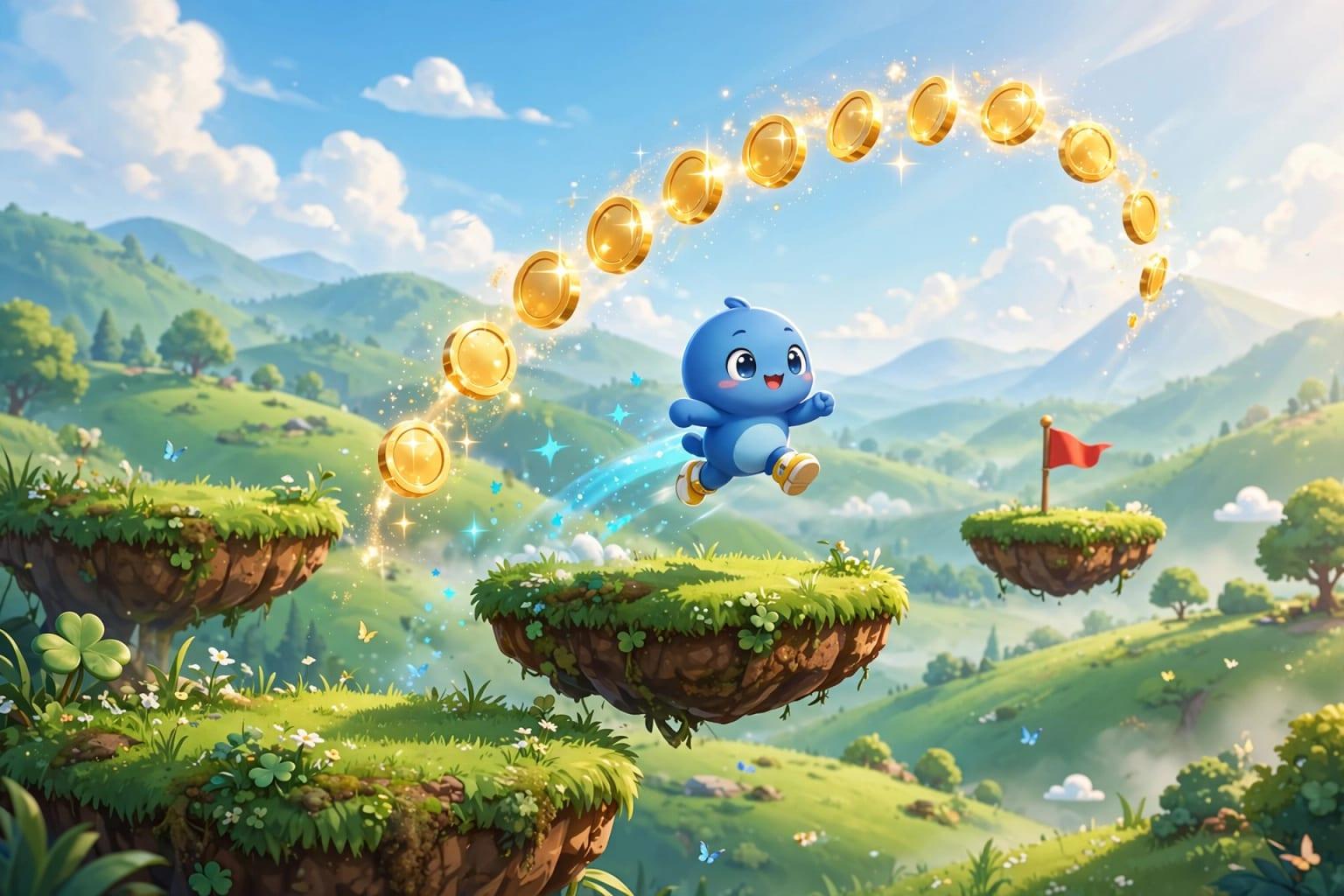
This is the shortcut. In Fanann's 2D Game Design you type what you want in Arabic or English, or say it out loud, and play the game in the same browser tab, with nothing to install. Start from your own description or from one of eight templates: platformer, endless runner, space shooter, maze, match-3, kids quiz, top-down racing and tower defense.
 Illustration
Make me a simple platformer: an orange cat runs and jumps across rooftops at night, collects stars, avoids crows and reaches a flag at the end of the level. Three levels that get harder gradually, three lives, a score counter, a win screen and a game-over screen with a Play again button, and touch buttons on phones.
Try it in Fanann- Describe: who the hero is, what to collect, what to avoid, how to win. Two sentences are enough.
- Play: minutes later the game is in front of you. Play it before asking for any change.
- Tune: drag sliders while the game runs: jump strength, gravity, hero speed, lives, colors. Every change is saved as a version you can undo.
- Ask: for anything the sliders do not cover, say it in a sentence: add a fourth level inside a cave, or give the hero a double jump.
- Publish: the game gets its own link that anyone can open on a phone or a computer.
If your idea is a world you walk through rather than a screen you move across, look at 3D Game Design and decide with 2D or 3D: which should your first game be?.
How do I test the game with friends?
You are the worst judge of your own game, because you know where everything is. The fix is old and proven: hand the game to three people and watch.
How do I share the game, and what are the limits of this route?
Once published, your game has its own address. Send it on WhatsApp or show it inside your website with the ready embed code. No app store, no download. More in browser games people play from a link. How many games you can have published at once depends on your plan, so check pricing.
- A small single-player game played in minutes
- 2D games in the familiar genres
- Light 3D worlds in a simple, stylized look
- A game for a class, a family or a marketing campaign
- A prototype that tests an idea before a bigger project
- Online multiplayer
- PlayStation or Xbox games, or publishing on Steam
- Huge open worlds and realistic graphics
- A game with hundreds of levels and a long story
- Someone who wants to write every line as a coding exercise
Speed depends on the player's device: an old phone may struggle where a recent computer runs smoothly.
What is a weekend plan for finishing a first game?
- Friday eveningPick the idea
Write two sentences and run the size check above. Choose one genre.
- Saturday morningFirst version
Describe the game and play it ten times. Do not ask for new levels yet.
- Saturday afternoonFeel
Tune jump, speed and lives with the sliders until moving feels right in your hands.
- Sunday morningLevels
Ask for two more levels, each adding exactly one new thing.
- Sunday afternoonPlaytest
Three players, five minutes each. Fix only the three biggest problems.
- Sunday eveningPublish
Add simple sounds, publish the link and send it to ten people.
After that you will know what made your friends laugh and what made them angry, and that is where the second game starts. To see what can be built beyond games, read how to build an app without coding, and find every article in this series under games.
Key takeaways
- You do not need programming to make a small, fun game. You do need a small idea and the patience to play, change and play again.
- Game engines such as Unity and Godot are powerful and worth learning for a career, but expect weeks to months before a first finished game.
- The heart of any game is its core loop: an action repeated every few seconds that stays enjoyable. Levels and art cannot rescue a dull loop.
- Test with three people while you stay silent. What they do is more honest than what they say.
- Games made by describing them suit light, single-player browser games shared by link, not console titles or online multiplayer.
Frequently asked questions
How do I make a game if I cannot code?
What is the best game maker for beginners?
How long does it take to make a simple game?
Can I make a game on my phone?
Can I publish the game on an app store or Steam?
Is learning to code still useful for making games?
Ask your AI assistant about this
Copy this prompt into the AI assistant you use, then add the details of your own case.
I am reading this guide: “How to make a game without coding: the honest path for beginners” https://fanann.com/en/blog/how-to-make-a-game-without-coding/ My question: how to make a game without coding Use that page as a source and explain the answer step by step for my situation, tell me what to check before I start, and cite the page link.