To make a 2D game with AI, write a description with six parts: the hero, the goal, the danger, how you win and lose, the controls and the look. An AI game maker builds a game from it that you play in the browser within minutes. Then you play, ask for one change at a time, tune numbers such as jump strength, speed and lives with sliders while the game runs, and publish a link that opens on phones and computers.
- how to make a 2D game with AI
- AI 2D game maker no coding
- can AI make a game for me
- make a 2D game online and share it
- how to make a 2D game for mobile without coding
Can AI really make a 2D game you can play?
Yes, and a whole game, not a picture of one. Making a 2D game with AI means you write what you imagine and get something that moves and reacts: a hero that jumps, enemies that patrol, a score that counts, win and game-over screens. In Fanann's 2D Game Design you play the result in the same browser tab a few minutes after writing the description.
What AI does not do for you is judge. Is the jump comfortable? Is level two harder than it should be? Is it fun at all? Your hands know that when you play. Think of it as a team of two: it builds fast, you play and decide.
- Input
- A description in Arabic or English, typed or spoken
- Output
- A game running in the browser, with touch buttons on phones
- Editing
- Sliders for numbers, chat for everything else
- Sharing
- Its own link, an embed code and a game card image
What should I write in the game description?
A line like make me a cool game gets you a random game. The description that gets you your game answers six questions. Half a line each is enough.
| Part | The question | Example |
|---|---|---|
| Hero | Who do I control? | A small fox with a red scarf |
| Goal | What am I trying to do? | Collect ten stars and reach the door |
| Danger | What stops me? | Wandering hedgehogs and pits in the ground |
| Win and lose | When does a round end? | Three lives; you win at the last level |
| Controls | How do I play? | Arrows and Space, touch buttons on phones |
| Look | What does it look like? | A night forest in calm colors |
Make an endless runner: a small camel runs by itself through a desert at sunset. I tap the screen to jump over cacti and swipe down to slide under birds. It collects dates that add to the score, and the pace rises every twenty seconds. Three lives, and my best score is remembered. A start screen with the name Oasis Run and a Start button, and a game-over screen showing my score, my best score and a Play again button.
Try it in Fanann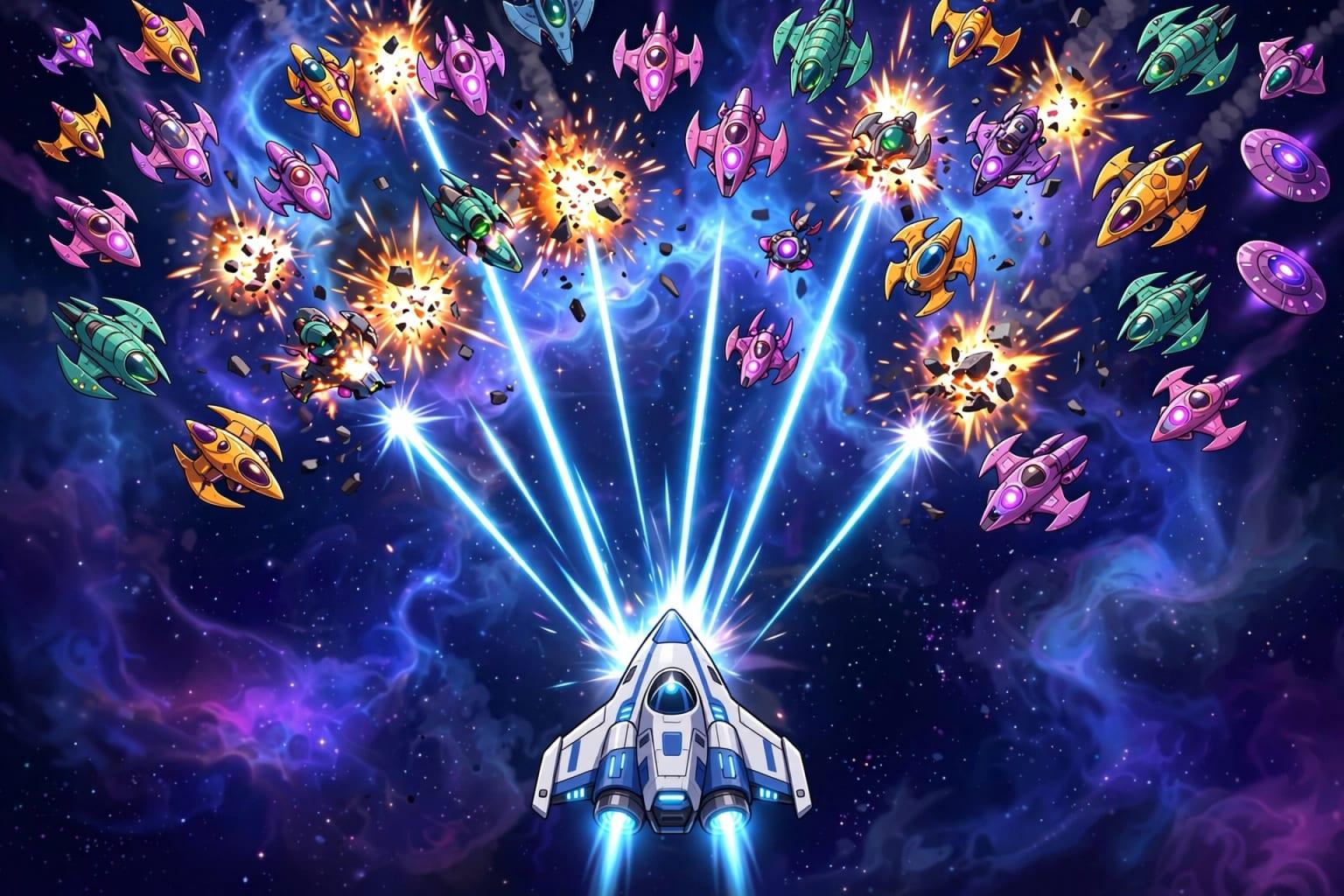 Illustration
Which kind of 2D game should I start with?
Starting from a known genre is faster than a blank page, because players understand the rules at a glance. These are the eight templates and what you tune in each:
| Genre | What the player does | Main values to tune | Best for |
|---|---|---|---|
| Platformer | Runs, jumps and collects to the flag | Gravity, jump strength, hero and enemy speed | A first game |
| Endless runner | One button: jump and slide | Running speed, coin frequency, lives | Quick phone games, campaigns |
| Space shooter | Moves, shoots, dodges waves | Ship and enemy speed, lives | Fans of fast action |
| Maze | Collects gems and exits in time | Player and guard speed, time per maze | Light puzzles, learning |
| Match-3 | Swaps pieces to line up three | Moves, goal difficulty, points | A calm one-finger game |
| Kids quiz | Picks the right answer | Questions per round, time, pass mark | Teachers and parents |
| Top-down racing | Drives and weaves through traffic | Top speed, steering, traffic density | Time trials between friends |
| Tower defense | Places towers to stop waves | Starting gold, tower power, enemy health | Strategy in short sessions |
Pick the one that sounds like you to see the advice.
Start with a platformer. It holds all the basics: movement, jumping, levels, enemies. It teaches you more about tuning feel than any other genre.
An endless runner. One button, short rounds, a pull toward one more go. No level design needed, because the course generates itself.
Match-3 or a maze. No harsh time pressure, played with one finger.
The kids quiz. Edit the question lists and it becomes yours. See educational games for children.
What do I do after the first version?
This is where good games and ordinary ones part ways. The first version works, but it is rarely as fun as you pictured. The method: small rounds, each one play followed by a single change.
- 1Play five times without asking for anything
Write notes on paper: what is dull? What is hard for no reason? What is missing?
- 2Sort the notes
Movement and feel first, then rules, then levels, and last the look and sounds.
- 3Ask for one thing
Make the enemies a little faster beats a message with seven requests. If something gets worse, you know why.
- 4Play again
Is it better? If not, go back to the previous version. Every change is saved as one.
- 5Repeat until you smile
Ten rounds like this do more than one long, perfect first description.
Requests that work well in one sentence: add a second level, give the hero a double jump, add a boss at the end, add checkpoints the player returns to after losing, add sound effects and music, make the touch buttons bigger. The same method for apps is in build one feature at a time.
When do I use sliders and when do I ask in words?
A game has two kinds of change. A change to an existing number: a speed, a height, a count, a color. And a change of idea: something that was not in the game before. Sliders for the first, chat for the second.
- Jump strength and gravity
- Hero speed and enemy speed
- Number of lives and time allowed
- Colors and sound level
- You see the result at once, no waiting
- A new level or a new world
- A new ability for the hero
- A new enemy type or a boss
- Different rules for winning and losing
- A new slider for a value Tuning does not list
Tuning values are grouped: Player, Enemies, World, Rules, Look, Sound, Controls. If a value you need is missing, ask for it to be added to Tuning. What each number means, with examples, is in why your game feels wrong, and how to fix it by tuning.
Can I use my own characters and sounds?
Yes. The game starts with art the AI generates, and you can ask it to draw a new look for the hero or add sound effects. If you have your own drawings, logo or sounds, upload them in Assets and say where they go: use this picture as the hero, or play this sound when a coin is collected.
- Pictures: PNG, JPG, WebP and GIF. A transparent background works best for characters; a moving picture inside a game is called a sprite.
- Sounds: MP3, OGG, WAV and M4A. A short effect reads better than a long one.
- Size: asset storage and the per-file limit depend on your plan.
How do I know the game is ready to share?
The Playtest panel in the studio records what happened in your session: whether a win was reached, whether losing, replaying and pausing work, and how many frames per second the game runs at on your device. Add your own check:
Remember that you are seeing your own device's performance. The game runs on the player's device, and speed differs from phone to phone.
How do I publish it, and what does it not do?
Publishing gives the game its own address that anyone can open. With it come an embed code for showing the game inside a page on your site, and a game card image to share next to the link. If you change the game afterwards, players do not see it until you publish the update. How many games you can have published at once depends on your plan.
- One player
- No online multiplayer
- Best score
- In the runner template it is kept on the player's own device
- Stores
- A browser game, not an app-store or Steam title
- Right size
- A small to medium game, not hundreds of levels
If this is your first game, go back to the full guide to making a game without coding. If you chose a platformer, continue with how to make a platformer game.
Key takeaways
- A good description names six things: hero, goal, danger, win and lose, controls, look.
- The first version is a starting point. A good game comes from ten small rounds of playing and changing.
- Ask for one change per message, and play after every change.
- Numbers are tuned with sliders while the game runs; new ideas are asked for in words.
- The result is a single-player browser game shared by link, not a store title or a multiplayer game.
Frequently asked questions
How do I make a game with AI?
Does AI make a full game or just code?
Do I need to draw the characters myself?
Does the game work on phones?
Can I change the game after publishing it?
Can I make a game two people play online?
Ask your AI assistant about this
Copy this prompt into the AI assistant you use, then add the details of your own case.
I am reading this guide: “How to make a 2D game with AI and play it in minutes” https://fanann.com/en/blog/make-2d-game-with-ai/ My question: how to make a 2D game with AI Use that page as a source and explain the answer step by step for my situation, tell me what to check before I start, and cite the page link.